
How We Scan Your Codebase for AI Risk (Without Touching Production)
“Wait — you need access to our code?”
I hear it on almost every call. And honestly? It’s the right question. After 30 years in security, I’d be suspicious of anyone who didn’t ask it.
So let me walk you through exactly what our scanner does, what it sees, what it doesn’t, and why we built it this way. No hand-waving. No “trust us.” Just the mechanics.
Read-Only. Period.
Here’s the thing — we connect to GitHub with read-only access. That’s it. No write permissions. No deployments. No CI/CD hooks. No production access. We never touch your running application.
What we actually see:
- Repository tree — the file and folder structure
- File contents — source code, config files, dependency manifests
- That’s the list. No secrets, no environment variables, no database access, no customer data
We fetch everything through the GitHub API. Your code never leaves GitHub’s infrastructure to reach some mystery server. We read it, analyze it, and produce a report. If you revoke access after the scan, we can’t get back in. Simple as that.
Why does this matter? Because the whole point of an AI governance engagement is to reduce your risk — not create new risk by handing a third party the keys to your production environment.
What the Scanner Actually Detects
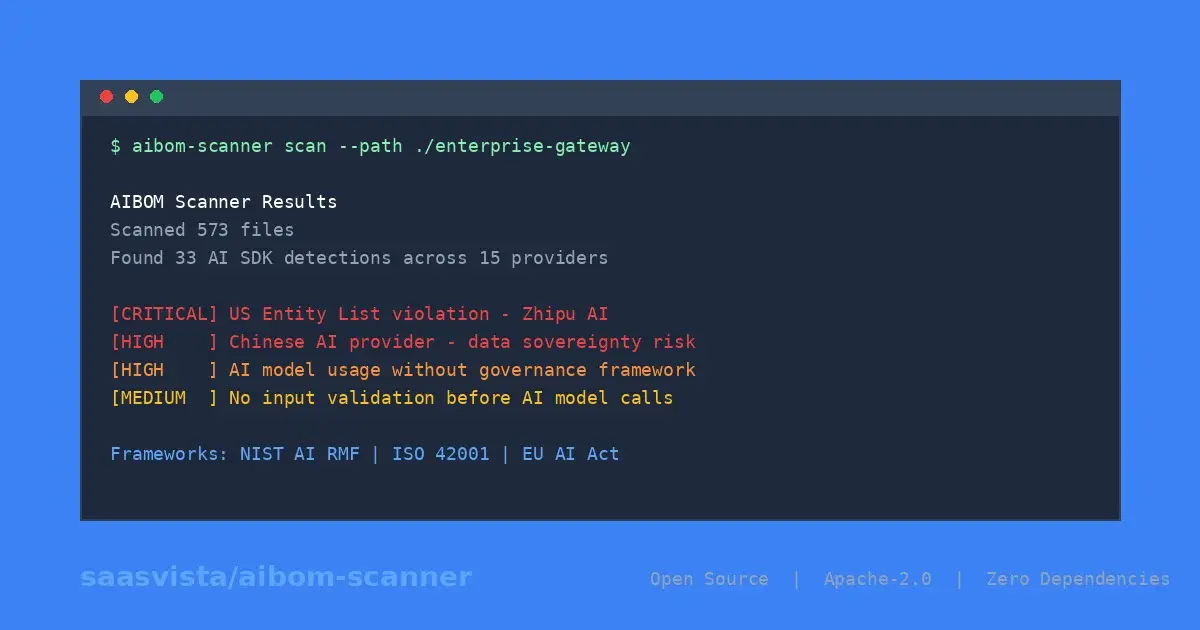
The scanner isn’t a glorified grep. It runs dozens of detection patterns across your codebase looking for AI usage — and it’s surprisingly specific about what it finds.
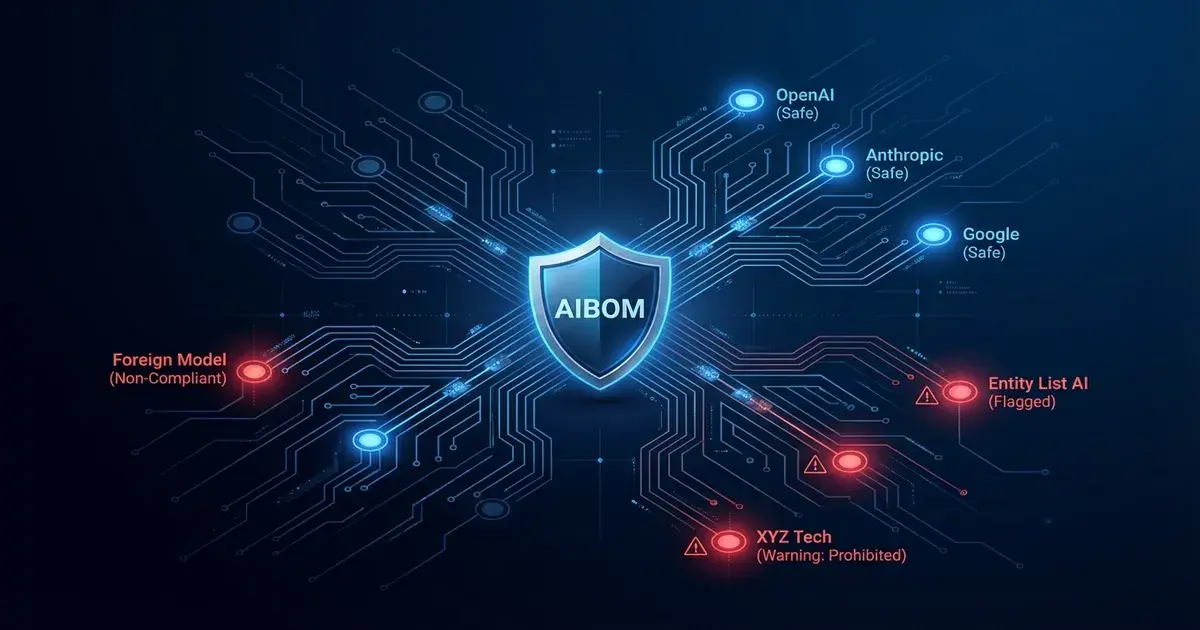
Every major AI provider detected — OpenAI, Anthropic, AWS Bedrock, Google AI / Vertex, Azure OpenAI, Hugging Face, and more. Plus orchestration frameworks like LangChain and LlamaIndex.
What it looks for in your code:
- Import statements —
from anthropic import Anthropic,import openai,from langchain import... - API calls —
client.messages.create(),openai.chat.completions.create(),bedrock-runtimeinvocations - Model name extraction — it doesn’t just find that you’re using OpenAI. It finds that you’re calling
gpt-4oinsrc/services/summarizer.pyat line 42. Specific model, specific file, specific line number. - Dependency scanning — parses
requirements.txt,package.json,Pipfile,pyproject.toml,go.mod, andCargo.tomlfor AI SDK packages. Because sometimes the import isn’t in your code — it’s buried in a dependency you forgot about. - Dev tools — Cursor, Copilot, Claude Code, Codeium, Tabnine, and others. These matter because enterprise buyers in regulated industries ask about them.
What it skips (to keep false positives low):
- Test directories —
test/,tests/,__tests__/,spec/ - Fixtures and mock data
- Build artifacts —
dist/,build/,.next/,node_modules/ - Large data files and archives
We learned this the hard way. Early versions flagged far too many test mocks and example code as real detections. After adding path filtering and context-aware detection, false positives dropped dramatically. Real findings, not noise.
How Findings Become Prioritized Risks
Finding AI SDKs in your code is step one. The real value is step two — the risk engine.
The risk engine runs a proprietary rule set across multiple risk categories against every detection. Each rule produces a finding with a severity level (critical, high, or medium), a specific description, and actionable remediation steps. Not generic advice — specific to what was found in your code.
Here’s what each category asks:
Data Privacy — “Where does customer data go when it hits that OpenAI API call?” Are you sending data to an external provider without a DPA? Could prompts contain PII? Is the provider retaining your data for training?
Model Governance — “Do you know which models you’re running, and who approved them?” No model inventory? Multiple providers with no central oversight? That’s a finding.
Security — “Are API keys in your source code?” This is the only category with a critical-severity rule. If we detect potential key exposure, it’s flagged immediately. We also look for missing input validation (prompt injection risk) and missing output validation.
Transparency — “Do your users know they’re interacting with AI?” If your product has AI-generated outputs and no disclosure, that’s a gap — and it’s specifically called out in the EU AI Act.
Accountability — “Who owns AI risk at your company?” No designated owner? No incident response plan for AI failures? Those are findings.
Bias & Fairness — “Have you tested whether your AI treats all users equally?” Especially relevant if you’re running self-hosted models through Hugging Face.
Compliance — Framework-specific flags. AWS Bedrock usage triggers additional compliance review requirements. Certain use cases may fall under EU AI Act high-risk classification.
Every finding includes framework references — the specific NIST, ISO, or EU AI Act control IDs that apply. This isn’t abstract risk. It’s mapped directly to what your enterprise buyer’s security team will ask about.
If you’re not sure what AI governance even means or where to start with compliance, those are worth reading first.
Automated Control Gap Analysis
This is where things click for CTOs who’ve been staring at a 40-question security questionnaire.
The control mapper takes every risk finding and maps it against controls across three frameworks:
- NIST AI RMF — Govern, Map, Measure, Manage functions
- ISO 42001 — leadership, documentation, data management, security, oversight
- EU AI Act — the articles that actually apply to SaaS vendors shipping AI features
Each control gets one of three statuses:
- Mapped — you’ve got a finding that references this control and there’s a clear remediation path
- Partial — the gap is identified but remediation needs work
- Gap — nothing in your codebase addresses this control. This is a blind spot.
Why does this matter? Because when your enterprise buyer asks “are you NIST-aligned?” — the honest answer for most startups is “I don’t know.” The Trust Pack turns that into something real: “We have 12 controls mapped, 5 partial, 3 gaps — here’s our plan to close them.” That’s the difference between a deal that stalls and a deal that advances.
What You Get: The Trust Pack
The scanner, risk engine, and control mapper produce a single deliverable — the Trust Pack. It’s a professional PDF your CTO can forward directly to procurement.
What’s in it:
- Executive Summary — metrics at a glance, providers detected, critical items flagged
- AI Usage Inventory — every detection: provider, SDK, file, line number, model name
- Risk Findings — ordered by severity with business impact and remediation steps
- Control Mapping — framework-by-framework coverage with mapped/partial/gap counts
- 30/60/90 Day Action Plan — prioritized roadmap with suggested owners for each action
- Technical Appendices — full finding detail and methodology documentation
The whole thing runs in under a minute for a typical two-repo scan. No six-month consulting engagement. No 200-page slide deck from an interview process. Evidence from your actual code, mapped to the frameworks your buyers care about.
See It for Yourself
I’d rather show you than tell you. Two options:
See a sample Trust Pack — I’ll send you a redacted example so you can see exactly what the output looks like before you commit to anything.
Book a 20-minute walkthrough — bring your questions, I’ll show you the scanner running against a demo repo in real time. No pitch deck. Just the product.
The scanner exists because I got tired of watching startups lose enterprise deals over documentation they could’ve produced in a day. You’ve already built the product. Let’s make sure you can prove how you govern it.
Mike Carroll
Founder & Field CTO at SaaSVista
30+ years in IT security and infrastructure. Previously CISSP certified, 2004-2022. Helping B2B SaaS startups prove AI governance readiness to enterprise buyers.